
Points system
This page demonstrates how to set a custom points system for OFFlimits bot results calculation.
About
This feature allows you to create a custom points system to calculate the results the way you want.
Usage
Note
Points system was moved to the dashboard.
- Head to the dashboard.
- Login with your discord account.
- Select your server from the sidebar.
- Select points system settings.
Current order
This will show you the order of points you need to input in your results channel according to your points system.

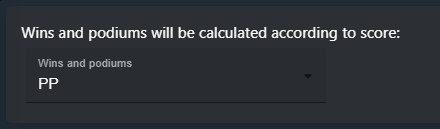
wins and podiums
Select the points according to which the bot should calculate wins and podiums... meaning if player scores 1, it will be treated as a win.
sorting order
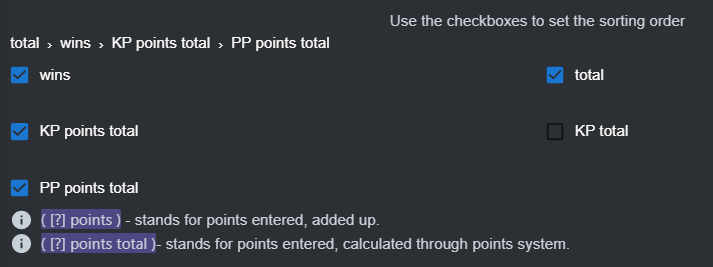
According to this, the bot is going to sort your results 1st, 2nd, 3rd and so on. Use the check boxes to control the order. You can use clear button to start over.
Notes:
- Something points - refers to the sum of the ( something ) you enter.
- Something points total - refers to the total of ( something ) calculated by the points system.
Example:
For a game, players get 2 points per fast lap:
One of the players played 3 games and scored a fast lap in each game
fast lap points = 3;
fast lap points total = 6;
points inputs
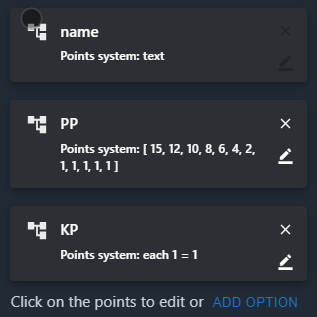
Use this to create and edit the points system.
Click on it to open editing options. Click on the x to delete it
Click add option to create a new points option
Tips
The option name can not be edited or deleted.
Don't forget to save after you setup everything.